MCP Pod, on your own servers.

The same studio your team uses in Claude, ChatGPT, Codex, Manus and VS Code, installed inside your company. Every request is handled on your hardware and every file stays on your disks.

YOUR BUILDINGInternetBlockedYour teamClaude · ChatGPT · VS CodeMCP PodrunningYOUR SERVERYour storageSaved on your serversYOUR BUILDINGInternetBlockedYour teamMCP Podyour serverYour storage
MCP Pod runs on your server. Requests and finished work stay inside your network.

Why teams host it themselves.

Your files stay with you

Scripts, voices, footage and finished videos are stored on your own disks. Nothing is sent to us or anyone else.
No usage limits

Make as many reels, films and posters as your servers can handle. Nothing is counted per video or per minute.

Works without the internet

Everything runs inside your network, so production carries on even when the office is offline.

Cloud or self-hosted, side by side.

Both give you the full studio. The difference is where it runs and who holds the files.

CloudSelf-hosted
Where it runsOur cloudYour office or your own cloud account
Where your files are storedOur serversYour disks
Every MCP Pod tool and formatYesYes
Works in Claude, ChatGPT, Codex, Manus and VS CodeYesYes
Monthly limits on how much you makeBy planNone
Needs an internet connectionYesNo
You choose who can use itYesYes
SetupSign up and connectWe install it with you

Cloud

Where it runs
Our cloud
Your files
Our servers
Every tool and format
Yes
Works in your assistant
Yes
Usage limits
By plan
Needs internet
Yes
You control access
Yes
Setup
Sign up and connect

Self-hosted

Where it runs
Your office or your own cloud account
Your files
Your disks
Every tool and format
Yes
Works in your assistant
Yes
Usage limits
None
Needs internet
No
You control access
Yes
Setup
We install it with you

Where it can run.

In your office

On servers in your own server room. Requests never leave the building, and it keeps working with the internet unplugged.

In your own cloud account

On servers in a cloud account your company owns and controls, inside your own network and your own region.

Made in your building.

The same reels, posters, thumbnails and voice-overs as the cloud, made on your servers.

Reel
Reel
Poster
Poster
Food shot
Food shot
Anime scene
Anime scene
Fashion
Fashion
Banner
Banner
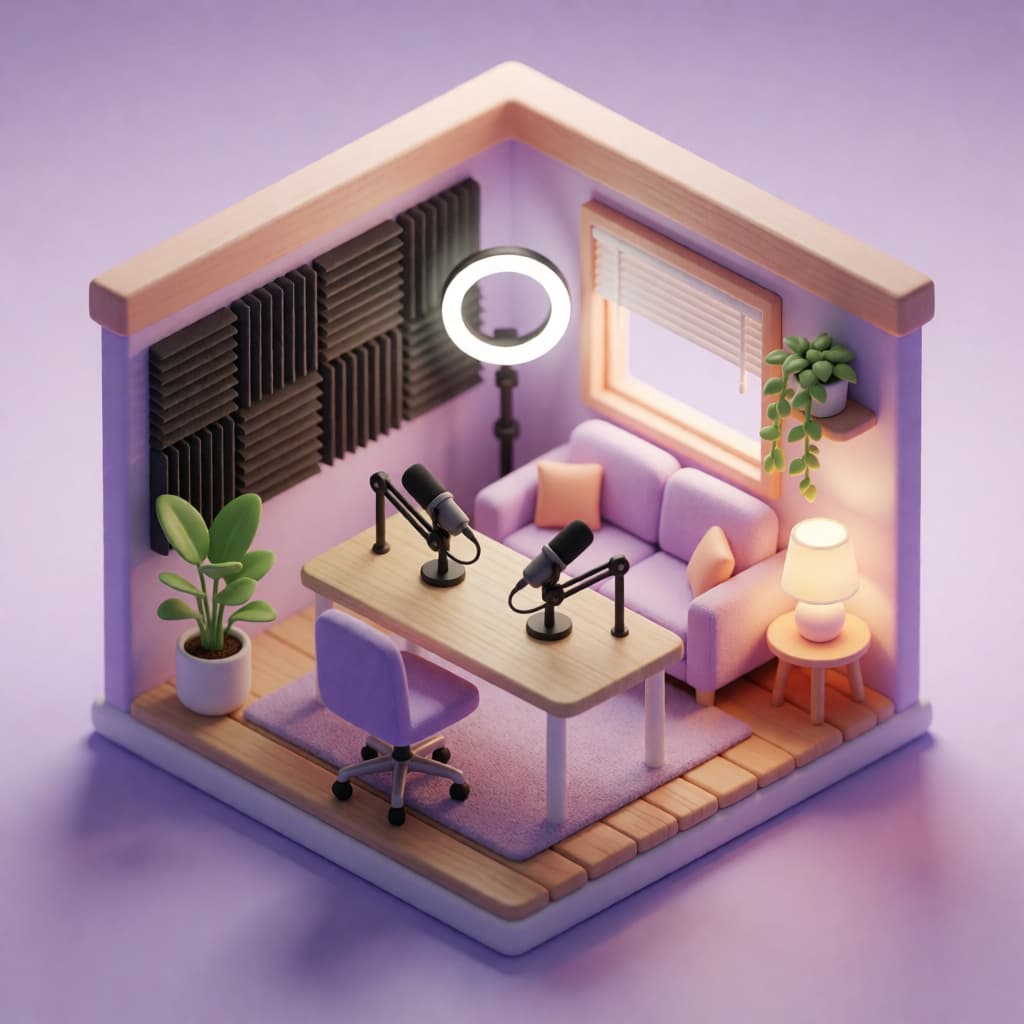
Podcast cover
Podcast cover
Product render
Product render
Festival post
Festival post
Claymation
Claymation
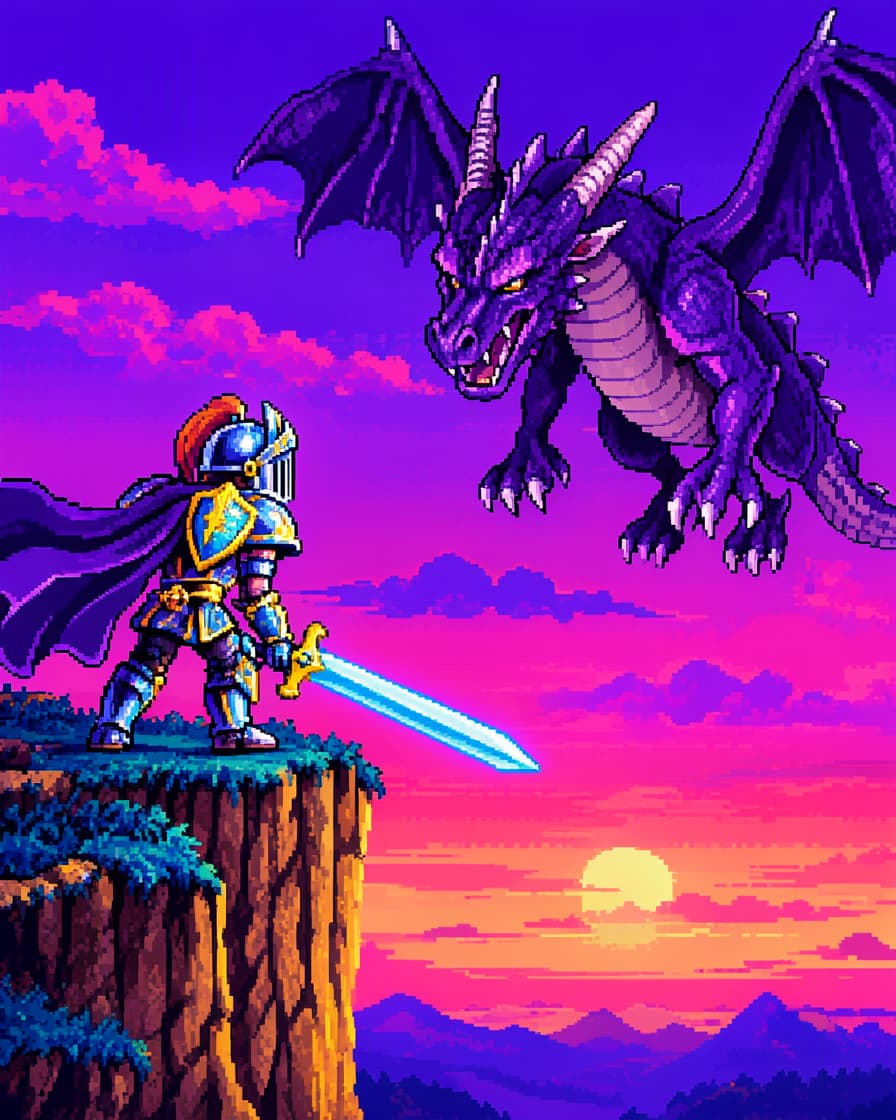
Pixel art
Pixel art
Ad still
Ad still
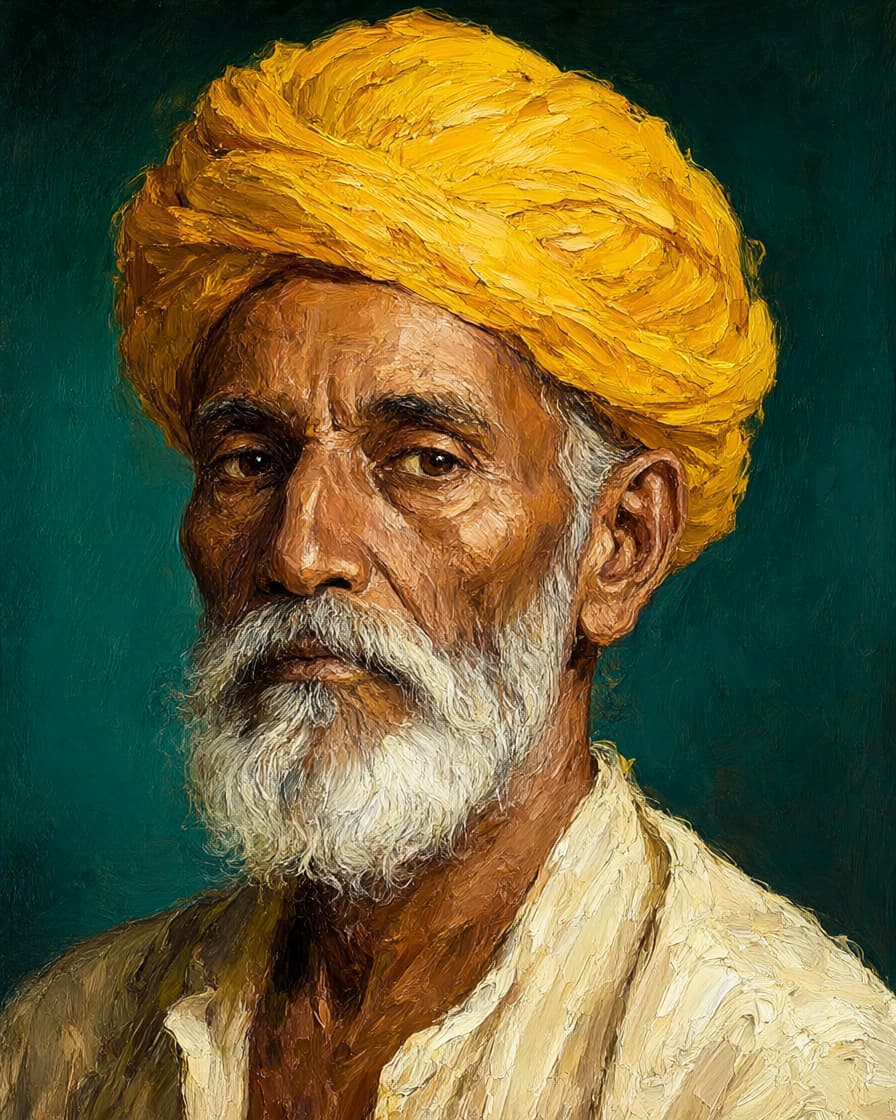
Illustration
Illustration
Campaign
Campaign
Reels and shortsYouTube videosPostersThumbnailsVoice-overs3D rendersBrand films

What gets installed.

Everything. Nothing is held back for the cloud version.

  • Every MCP Pod tool: video, reels, posters, thumbnails, voice-overs and 3D
  • The MCP server your team's assistants connect to
  • Voices in English, Hindi and Indian languages
  • Admin controls for people, teams and access
  • Storage on your own drives
  • Updates from us, installed when it suits you

How it happens.

  1. 1Plan it

    Tell us how much your team makes each month. We suggest the servers you need and whether self-hosting makes sense for you.

  2. 2Install it

    We set MCP Pod up on your servers, in your office or your own cloud account, and connect your team's assistants.

  3. 3Run it

    Your team creates from the assistants they already use. Your admins hold the accounts and the data; we keep the software up to date.

Common questions.

Does my team need to learn anything new?

No. They keep using Claude, ChatGPT, Codex, Manus or VS Code. The assistant connects to your MCP Pod instead of ours.

Do we need our own engineers to run it?

No. We install it with you and keep it updated. Your admins only manage who can use it.

Can we start on the cloud and move later?

Yes. Many teams try the cloud plans first and move in-house once they make enough each month.

What servers do we need?

It depends on how much you make. On the setup call we look at your volume and recommend the hardware.

Bring the studio in-house.

Tell us about your team and what you make. We will come back with the setup that fits, and what it would take.

Book a setup call